Auphonic: Audio Editors for Podcasters
Which audio tool fixes uneven levels and background noise without a manual mixing session or audio engineering skills? Auphonic, a Audio Editors tool, automates leveling, noise reduction, and loudness normalization for podcasters managing weekly multi-speaker episodes. Video creators who need timeline-based cuts, transitions, and visual effects should consider a full video editor instead.
- United States 12.6%
- India 10.5%
- Egypt 8.6%
- Germany 5%
- Other 63.4%
What Auphonic Does
For podcasters, Auphonic processes raw multitrack recordings into leveled, noise-reduced, publish-ready audio without manual compressor or EQ adjustments.
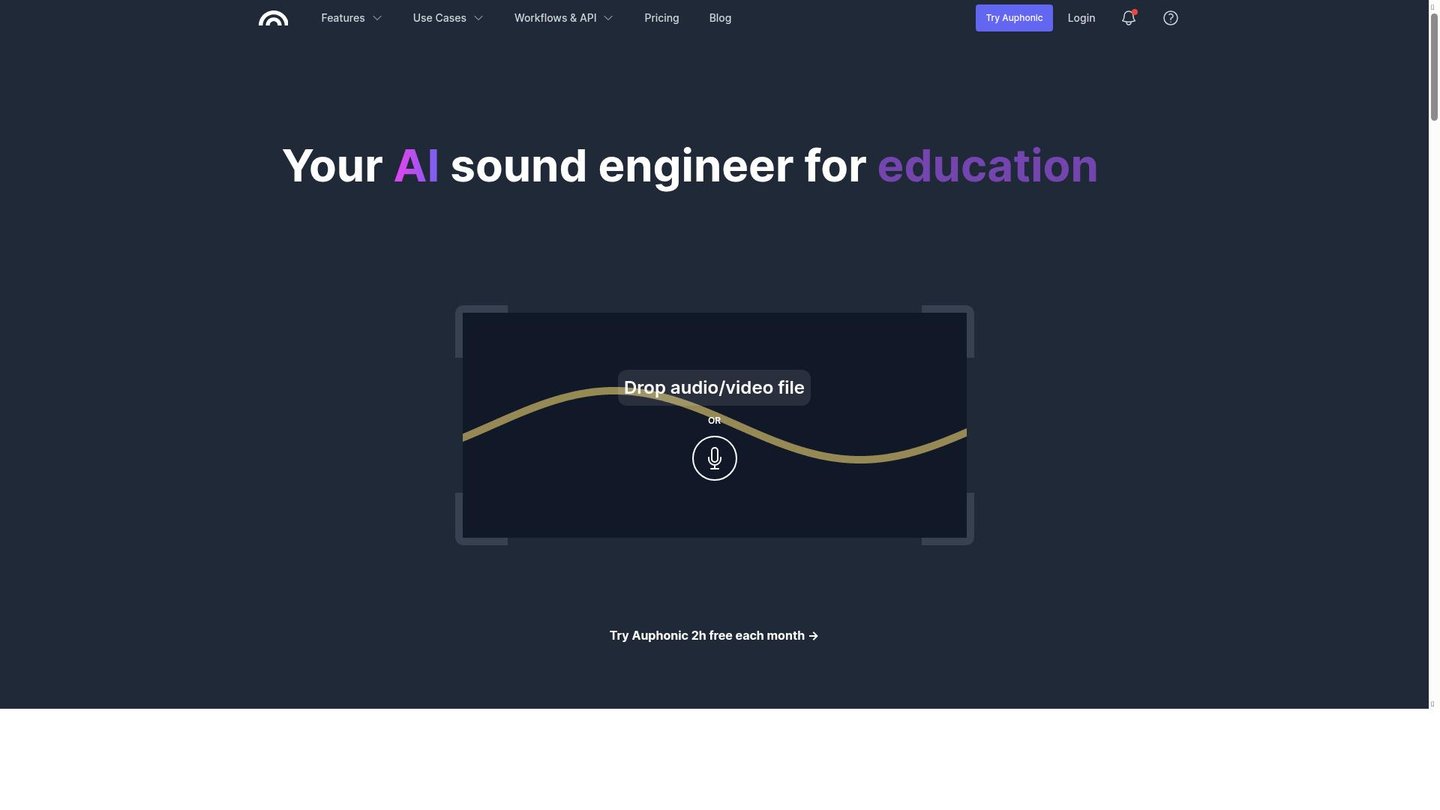
Auphonic applies its Intelligent Leveler to balance speaker and music volumes, runs Noise & Reverb Reduction to strip static and room sound, and targets loudness specifications such as podcast and broadcast standards automatically. It also cuts filler words, coughs, and silence in multiple languages, and generates transcripts and shownotes through Speech2Text. The result is a single upload-to-output step instead of a chain of separate audio tools.
Auphonic connects to YouTube, Libsyn, PodBean, Soundcloud, Facebook, and Zapier, so finished files can move directly into existing publishing workflows without manual exports and re-uploads.
Main Features
Intelligent Leveler
Auphonic’s Intelligent Leveler balances volume between speakers, music, and speech automatically, without the user setting compressor or gain ratios. It analyzes each track and adjusts levels to a consistent target. This removes the need for manual gain-staging on every episode, so uneven mic levels between guests do not require separate fixes.
Noise & Reverb Reduction
Auphonic’s Noise & Reverb Reduction removes static and changing background noise, and can eliminate room reverberation while choosing whether to keep or cut background music. It runs as part of the standard processing chain. Recordings made in untreated rooms or with inconsistent mic distance come out cleaner without separate noise-reduction software.
Cut Filler Words, Coughs and Silence
Auphonic automatically detects and removes silent segments, pauses, coughs, and filler words such as “uhm” or “ähm” in multiple languages. Detection runs on the audio content itself rather than a fixed timecode. This shortens episodes and removes verbal tics without a producer scrubbing a waveform by hand.
Speech2Text & Automatic Shownotes
Auphonic generates multilingual transcripts along with automatic chapters and shownotes, delivered in a shareable editor. The transcript is produced in the same processing pass as the audio cleanup. Production teams get searchable text and episode markers without running a separate transcription service.
Use Cases
-
Podcast production
A podcaster records weekly episodes with multiple speakers of varying mic quality. Auphonic’s Intelligent Leveler and Noise & Reverb Reduction balance voices and strip background noise automatically. Episodes reach a consistent loudness target without a manual mixing pass each week.
-
Lecture recording improvement
An educator records lectures with inconsistent microphone levels across rooms or devices. Auphonic normalizes those levels, removes noise, and creates a transcript through its Speech2Text feature. Students get cleaner audio and a readable transcript from the same upload.
-
Audiobook production
An audiobook producer needs consistent narration levels across long recording sessions. Auphonic’s loudness specifications and Filtering & Enhancement repair clipping and restore clarity automatically. Post-production that otherwise takes manual chapter-by-chapter mixing compresses into a single processing step.
Best For / Not For
Auphonic is built for people who need audio cleaned up and leveled without manual mixing expertise, rather than for teams doing frame-by-frame video editing.
Podcasters publishing weekly multi-speaker episodes, Educators correcting inconsistent lecture microphone levels, and Audiobook Producers needing consistent narration across long sessions all fit this profile, since each needs leveled, noise-reduced audio without manual engineering work.
Auphonic’s free plan caps processing at 2 hours per month, and batch productions plus watch folders require a paid plan, which rules out high-volume producers needing automation without upgrading their subscription tier.
Pricing
Auphonic’s free plan includes 2 hours of audio per month, with paid plans starting at $11/user/month for 9 hours.
| Plan | Price | Included |
|---|---|---|
| Auphonic Free | Free | 2 hours per month |
| Auphonic S | $11 / user/month, billed monthly | 9 hours per month |
| One-Time Credits | $12 / user | 5 hours |
| Auphonic M | $25 / user/month, billed monthly | 21 hours per month |
| Auphonic L | $52 / user/month, billed monthly | 45 hours per month |
| Auphonic XL | $113 / user/month, billed monthly | 100 hours per month |
| Recurring Credits Yearly | $132 / user/year, billed annually | 9 hours per month |
| Auphonic XXL | $245 / user/month, billed monthly | 250 hours per month |
Unused recurring credits do not roll over, but One-Time Credits never expire.
Pricing checked 2026-11-13.
Quick Comparison
Resound FM is Auphonic’s main alternative for automated podcast post-production. Resound FM focuses on turning raw recordings into trimmed, mastered audio with less manual configuration. Auphonic covers a wider processing chain, including multitrack mixing, loudness specifications, and automatic shownotes generation. Choose Resound FM if a team wants a simpler, single-pass cleanup workflow. Choose Auphonic if the workflow needs multitrack mixdown, transcripts, and distribution to connected platforms.
Verdict
Auphonic automates leveling, noise reduction, and loudness compliance in one processing pass, with plans starting at $11 per user/month for 9 hours beyond the 2-hour free allowance. This fits podcasters and educators who need consistent audio without manual mixing skills.