
AskYourPDF for Website Visitors: AI Document Management Chat
A website visitor lands on a support page at midnight needing an answer before checkout. AskYourPDF, a Document Management tool, trains a chatbot on site content and lets the visitor open a support ticket when it cannot answer. AskYourPDF does not replace a human support team for complex cases.
- United Kingdom 19.4%
- United States 9.6%
- India 4.6%
- Spain 4%
- Other 62.3%
What AskYourPDF Does
AskYourPDF is a document chat and AI form-filling tool that extracts answers, summaries, and filled forms from uploaded PDFs.
AskYourPDF runs OCR on scanned files, so a photographed contract becomes searchable text instead of static pixels. Users upload PDFs, slide decks, or notebooks and ask questions in plain language across several documents at once, pulling quotes and figures without rereading every page. The AI Form Filler pairs a blank form with data from another document and maps fields automatically. Teams keep files in one organized library, and site owners train a chatbot on that same content for visitor support.
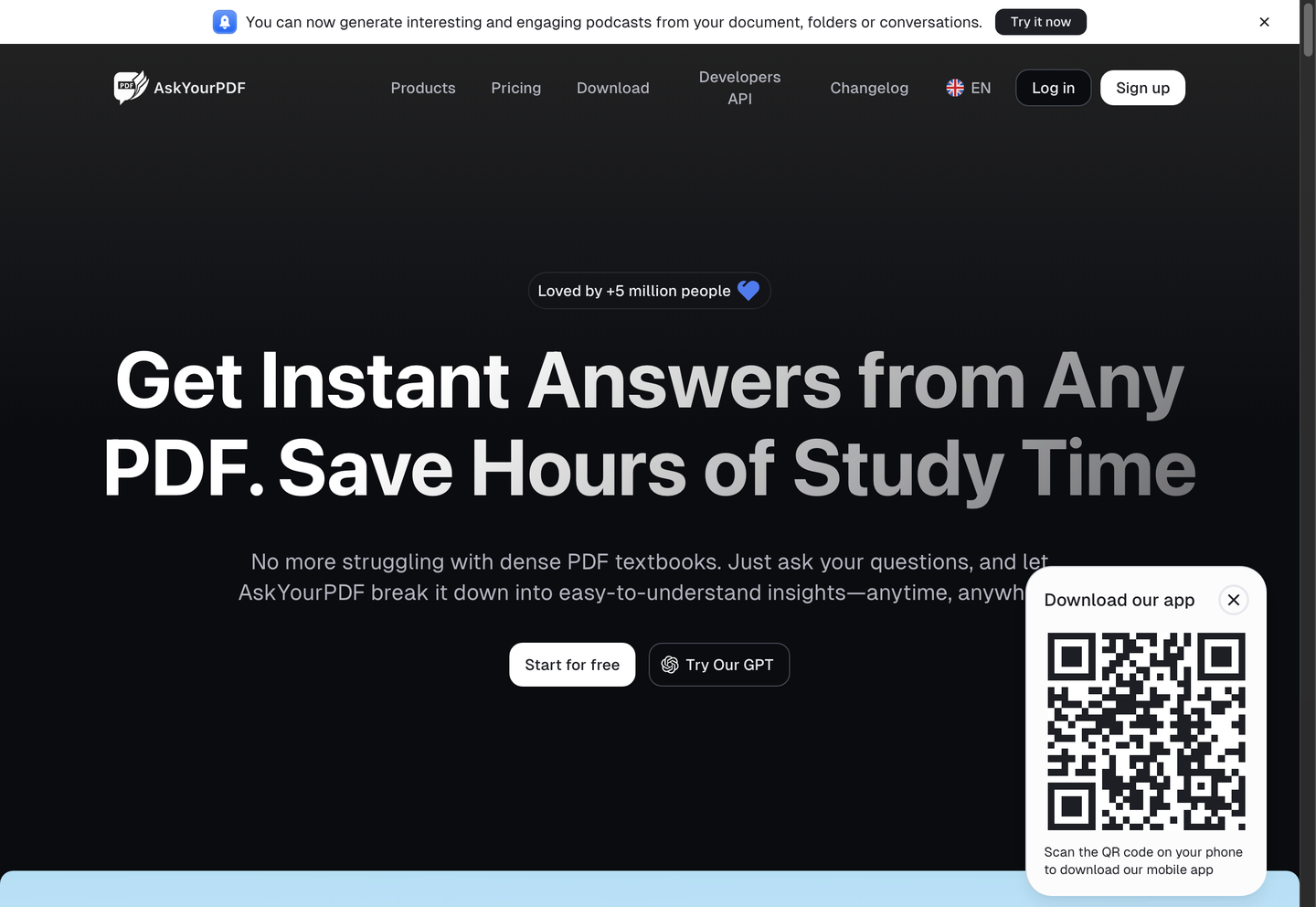
Main Features
AI Chatbot
AskYourPDF trains a chatbot on a site’s own pages and uploaded documents, then answers visitor questions from that approved content instead of a generic model. When the bot cannot resolve a query, the visitor opens a support ticket directly from the chat window, which captures the details and hands the case to a human team. This gives visitors support outside business hours.
AI Form Filler
AskYourPDF’s form filler reads any PDF form, fillable or scanned, and maps data from another document, a text file, or pasted content into the right fields automatically. Administrative teams skip retyping the same applicant details across onboarding packets, intake forms, and repetitive filings. One source file can populate several forms without retyping.
Chat with PDFs
AskYourPDF lets users ask plain-language questions about PDFs, slide decks, and notebooks, then returns summaries, key insights, and exact quotes pulled from the source text. A knowledge-base mode opens a conversation across several documents at once, so a researcher comparing five papers does not open each file separately. Answers cite the originating passage, letting the reader verify a claim before quoting it elsewhere.
Website Integrations
AskYourPDF’s chatbot embeds on WordPress, Webflow, Wix, Shopify, Squarespace, React, Vue, and Next.js sites without a custom backend build. A document widget places the source file beside the chat window, so a visitor reads and asks questions in the same pane. A team avoids writing separate embed code per platform.
Use Cases
-
Support Ticket Creation
Website visitors who hit a question the chatbot cannot answer need a way to reach a human quickly. AskYourPDF lets them open a support ticket directly from the AI Agent, capturing the details the team needs for follow-up.
-
Document Insights
Teams and creators working through long reports need the key points without reading every single page. AskYourPDF lets them chat with the document to extract insights, summaries, and exact quotes for the next meeting.
-
PDF Form Filling
Administrative teams fill the same onboarding and intake forms by hand every week. AskYourPDF auto-fills any PDF form using data pulled from another file or pasted text, mapping entries into the right fields automatically.
Best For / Not For
AskYourPDF is built for people who need quick answers from long documents, fill repetitive paperwork, or run a support-heavy website that gets the same visitor questions daily.
Core audiences include Website Visitors interacting with an embedded chatbot, Teams and Creators who extract insights from reports and slide decks, and Administrative Teams who fill repetitive PDF forms.
AskYourPDF does not publish SOC 2, ISO 27001, or HIPAA certification, so regulated industries handling sensitive legal or medical records should confirm compliance requirements before deployment, and the free plan’s one-document-per-day limit rules it out for anyone processing files at volume.
Pricing
AskYourPDF’s standard pricing starts at Free and runs to $14.99 per month, billed annually, on the Pro plan, with a custom Enterprise tier above that.
| Plan | Price | Included |
|---|---|---|
| Free | Free | 100 pages per document, Max upload size: 15MB, 1 document per day, 50 questions per day, 3 conversations per day |
| Premium | $11.99 / month, billed annually | 2500 pages per document, Max upload size: 31MB, 50 documents per day, 1200 questions per day, 50 conversations per day |
| Pro | $14.99 / month, billed annually | 6000 pages per document, Max upload size: 877MB, 150 documents per day, 100000 questions per day, 10000 conversations per day |
Claude 4.5 Sonnet, Claude 4.5 Opus, and Gemini 2.5 Pro require credits on every paid plan, an extra cost the table does not itemize.
Pricing checked 2026-10-26.
Quick Comparison
Humata is AskYourPDF’s main alternative for teams that want a simpler PDF Q&A tool without a form filler. Humata focuses on single-document Q&A with a cleaner upload flow and does not bundle a website chatbot builder. AskYourPDF adds an AI Form Filler and a trainable support-ticket chatbot that Humata does not offer. Choose Humata if the job is strictly document Q&A for a research team. Choose AskYourPDF if the site also needs a visitor-facing chatbot and form automation.
Verdict
AskYourPDF processes up to 6,000 pages per document on the $14.99-per-month Pro plan, combining PDF chat, form auto-fill, and a trainable chatbot in one workspace. Free-tier limits and the lack of named compliance certifications make it a poor fit for regulated enterprises handling high volumes.


