
Speechify: Revolutionizing Text-to-Speech with AI
Speechify is an innovative AI tool that transforms written text into natural-sounding speech, making it easier to consume information from various sources. With its advanced features and user-friendly interface, Speechify is perfect for individuals with visual impairments, learning disabilities, and anyone looking to multitask while reading. Whether you’re an avid reader or a busy professional, Speechify offers a seamless way to enjoy your favorite books, articles, and documents without the need for constant reading.
About Speechify
Speechify is a cutting-edge text-to-speech application designed to convert written text into spoken words using advanced artificial intelligence. This tool is accessible via various platforms, including iOS, Android, Chrome, Edge, Mac, and web apps, ensuring that users can sync their progress across all devices. The app supports over 30 languages and offers multiple voices, making it versatile and adaptable to different needs and preferences.
One of the key benefits of Speechify is its accessibility and versatility. It allows users to multitask and consume information faster, making reading more accessible for individuals with visual impairments or learning disabilities like dyslexia. The premium version of Speechify offers additional benefits such as offline reading and access to multiple languages, further enhancing the user experience.
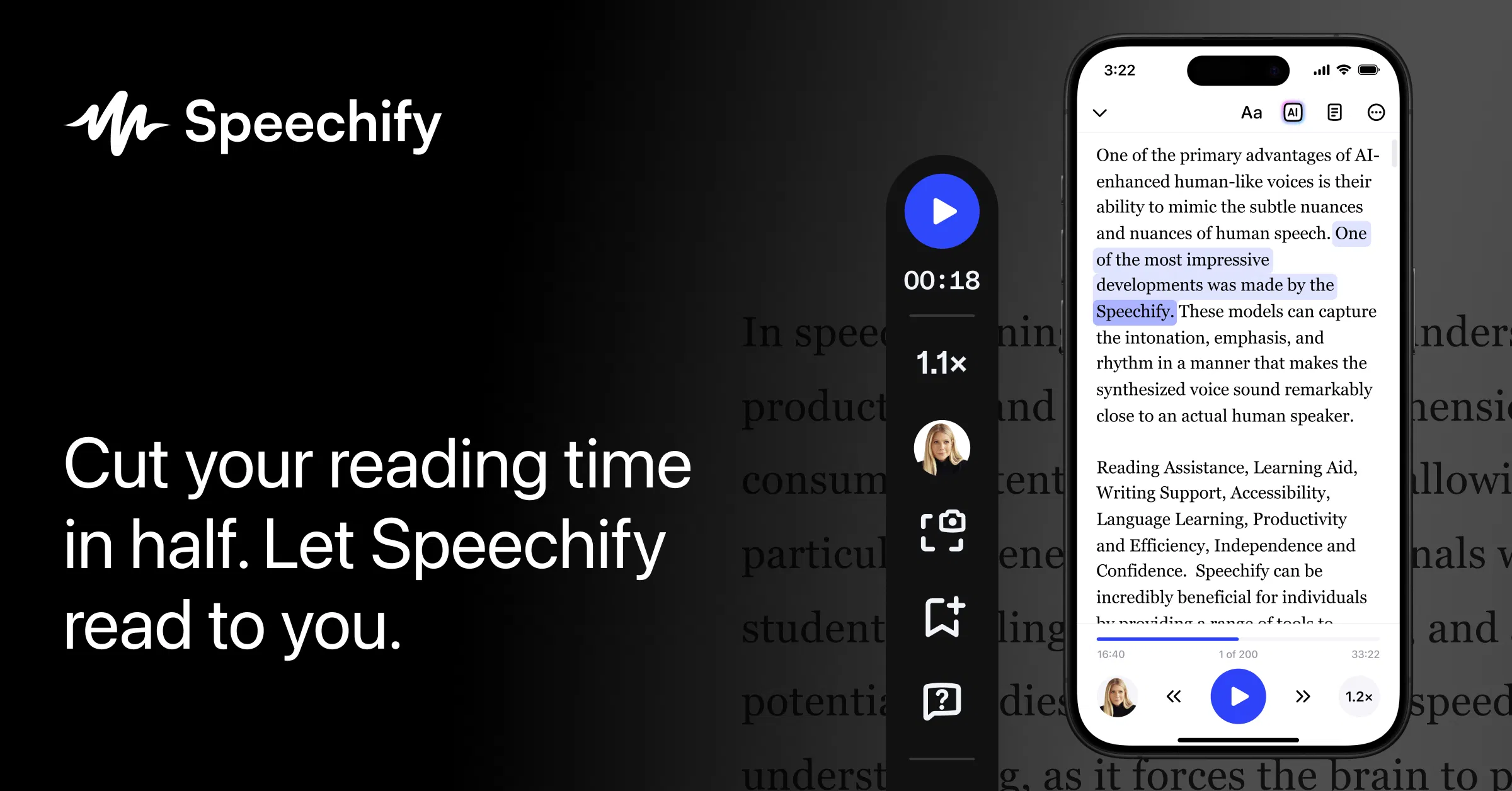


Features of Speechify
Speechify boasts an array of features that make it a standout in the text-to-speech market. Here are some of its key features:
- Text-to-Speech Conversion: Speechify converts written text into natural-sounding speech, supporting over 30 languages and offering multiple voices.
- Customization Options: Users can adjust the speed and pitch of the voice to suit their preferences, ensuring a personalized listening experience.
- Audiobook Creation: Speechify enables users to create audiobooks from various text sources, which can be exported as MP3 files for convenience.
- Playback Options: The app includes features like variable speed playback, playlist creation, chapter navigation, and a sleep timer, enhancing user control and flexibility.
- AI Voice Studio: This feature offers advanced voice-related services, including AI voice-over and voice cloning, making it perfect for creating voice-overs for videos, presentations, and more.
- Offline Reading: The premium version allows users to read offline, making it ideal for those without constant internet access.
- Advanced Highlighting and Note Taking: Users can highlight important sections and take notes directly within the app, enhancing their reading experience.
In addition to these features, Speechify also supports optical character recognition (OCR), allowing users to scan printed texts and convert them into audio. This feature is particularly useful for those who prefer reading physical books but want to enjoy them in an audio format. The high-quality, human-like voices used by Speechify ensure a pleasant and comprehensive listening experience, making information consumption more efficient and enjoyable.
In conclusion, Speechify is an innovative AI tool that revolutionizes the way we consume written information. With its advanced features, customization options, and cross-platform availability, Speechify makes reading more accessible and enjoyable for everyone. Whether you’re an avid reader or someone looking to multitask while reading, Speechify is the perfect solution for you.


