Uizard: The AI Tool Revolutionizing UI/UX Design
Uizard is an innovative AI tool designed to streamline the UI/UX design process. With its user-friendly interface and advanced AI capabilities, Uizard helps turn product ideas into wireframes and prototypes quickly and efficiently. Whether you’re a beginner or a professional, Uizard offers a range of features that make designing easier and faster than ever before. In this article, we’ll delve into what Uizard is, its key features, and answer some frequently asked questions about the tool.
About Uizard
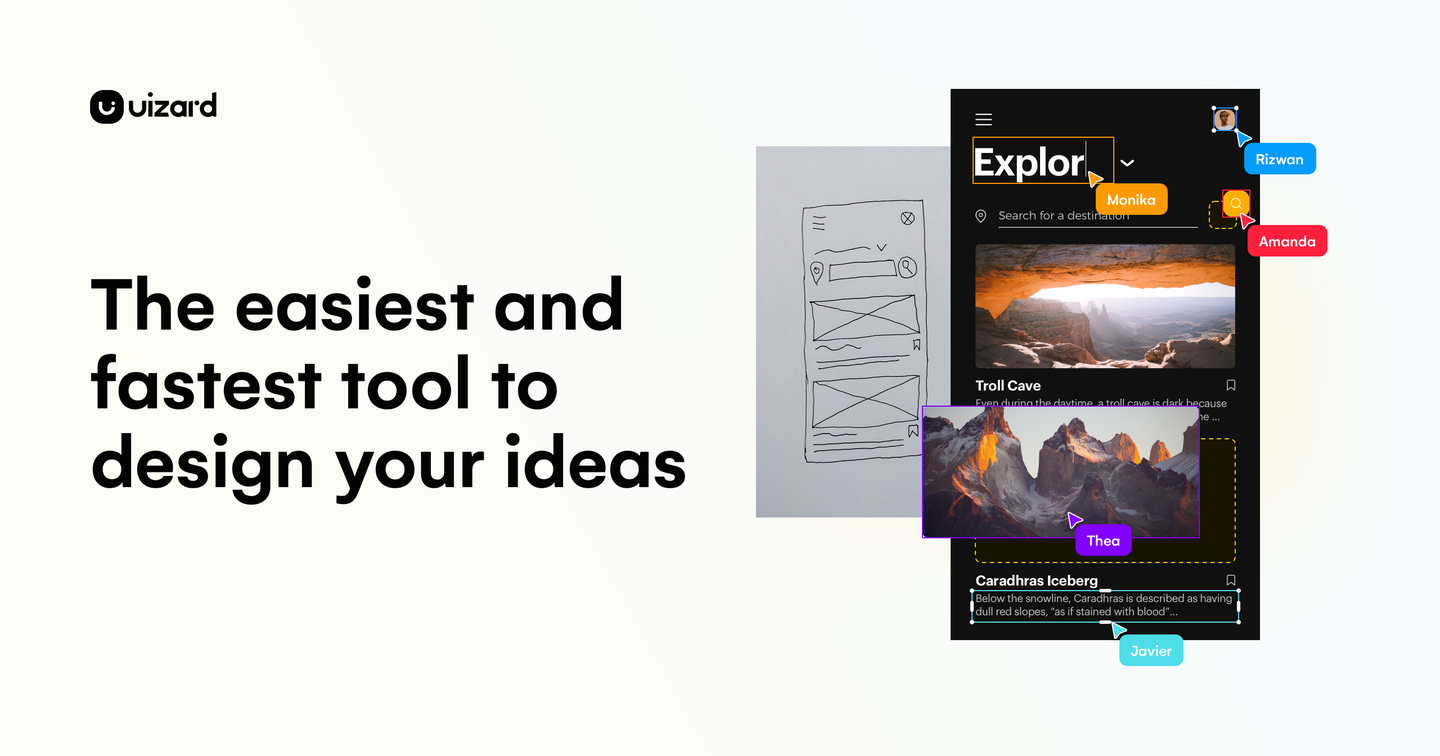
Uizard is an AI-powered design tool that transforms the process of creating user interfaces for apps, websites, and software. It leverages advanced AI technology to automate the design process, making it easier for both beginners and professionals to create high-quality designs. The tool allows users to input ideas through text prompts, hand-drawn sketches, or screenshots, which Uizard’s AI engine then transforms into editable digital designs.
Uizard’s intuitive drag-and-drop interface and extensive library of pre-built components and templates accelerate the creation process. Additionally, the tool offers AI-powered features like instant theme generation from existing designs and predictive heat mapping to analyze user focus. Seamless collaboration is also facilitated through cloud-based sharing and real-time editing capabilities, enabling teams to work efficiently regardless of their location.

Features of Uizard
Uizard offers a variety of features that make designing easier and faster. Here are some of its key features:
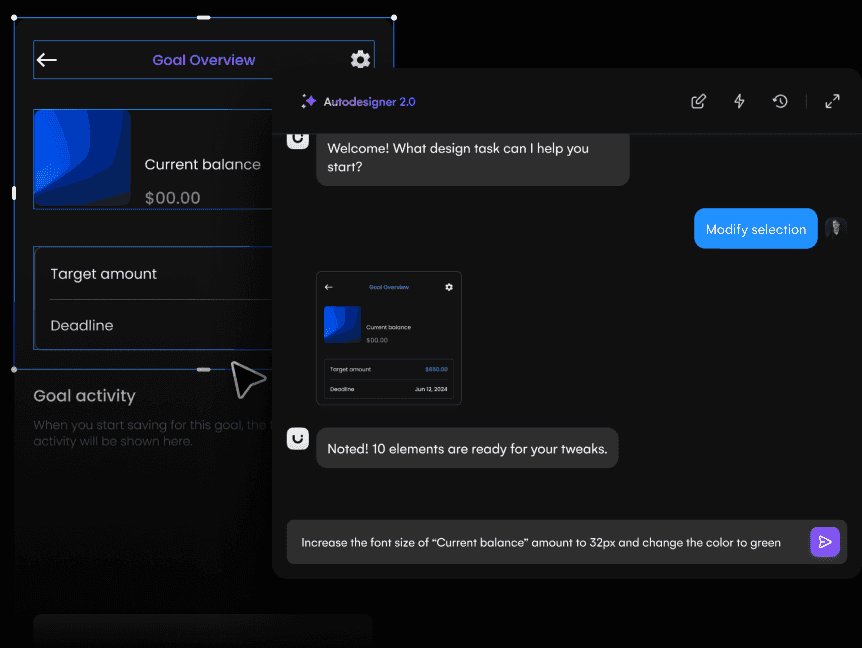
- Autodesigner: Generates UI mockups from simple text inputs, bringing ideas to life in seconds.
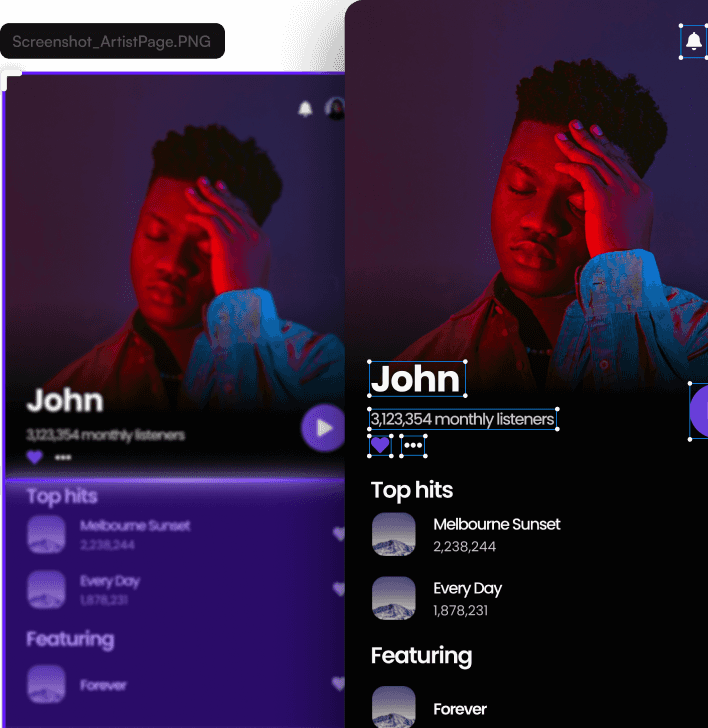
- Screenshot Scanner: Converts screenshots into editable designs, allowing users to quickly iterate on existing interfaces.
- Wireframe Scanner: Transforms hand-drawn sketches into digital wireframes, bridging the gap between paper concepts and digital designs.
- Theme Generator: Automatically creates cohesive color schemes and design themes based on existing designs or brand guidelines.
- Real-Time Collaboration: Enables team members to work together on projects simultaneously, regardless of location.
- Drag-and-Drop Interface: Provides an intuitive design environment for easy customization and layout adjustments.
- AI-Powered Design Suggestions: Offers intelligent recommendations for layout improvements and design elements.
- Responsive Design Tools: Helps create designs that adapt to various screen sizes and devices.
Uizard’s features are designed to streamline the design process, making it easier for users to create high-quality designs quickly. The tool’s AI capabilities and intuitive interface make it an ideal choice for both beginners and professionals looking to accelerate their design workflow.
In conclusion, Uizard is a powerful AI tool that simplifies the UI/UX design process. With its intuitive interface, extensive library of components, and advanced AI features, Uizard is an ideal choice for both beginners and professionals. Whether you’re looking to accelerate your design workflow or create high-quality designs quickly, Uizard is the perfect tool to consider.