
Submagic: AI Video Maker for Viral Shorts
Submagic revolutionizes short-form video creation by automating captions, B-roll, and edits to boost engagement on TikTok and Reels. For example, a YouTuber uploads a long podcast clip, and Submagic instantly extracts viral moments with dynamic subtitles and emojis, turning it into scroll-stopping content in seconds. As a result, creators save hours while increasing viewer retention and reach across social platforms.
About Submagic
What sets Submagic apart is its AI-powered platform that transforms raw footage into captivating shorts. It solves the pain of manual editing by automating transcription, visuals, and trims. Content creators, marketers, and businesses use it to produce high-engagement videos quickly.
For instance, YouTubers repurpose long videos into TikTok clips using magic clips that pull key highlights. Marketers, in particular, add AI-generated hooks and descriptions to drive conversions. The tool leverages speech recognition for 99% accurate captions in 48 languages, plus emoji integration for emotional impact.
Submagic works simply: upload a video, let AI transcribe and enhance, customize styles, then export. Educators create accessible lessons with auto-captions and B-roll, making complex topics engaging without extra effort. Consequently, users report saving 10 hours weekly on edits.
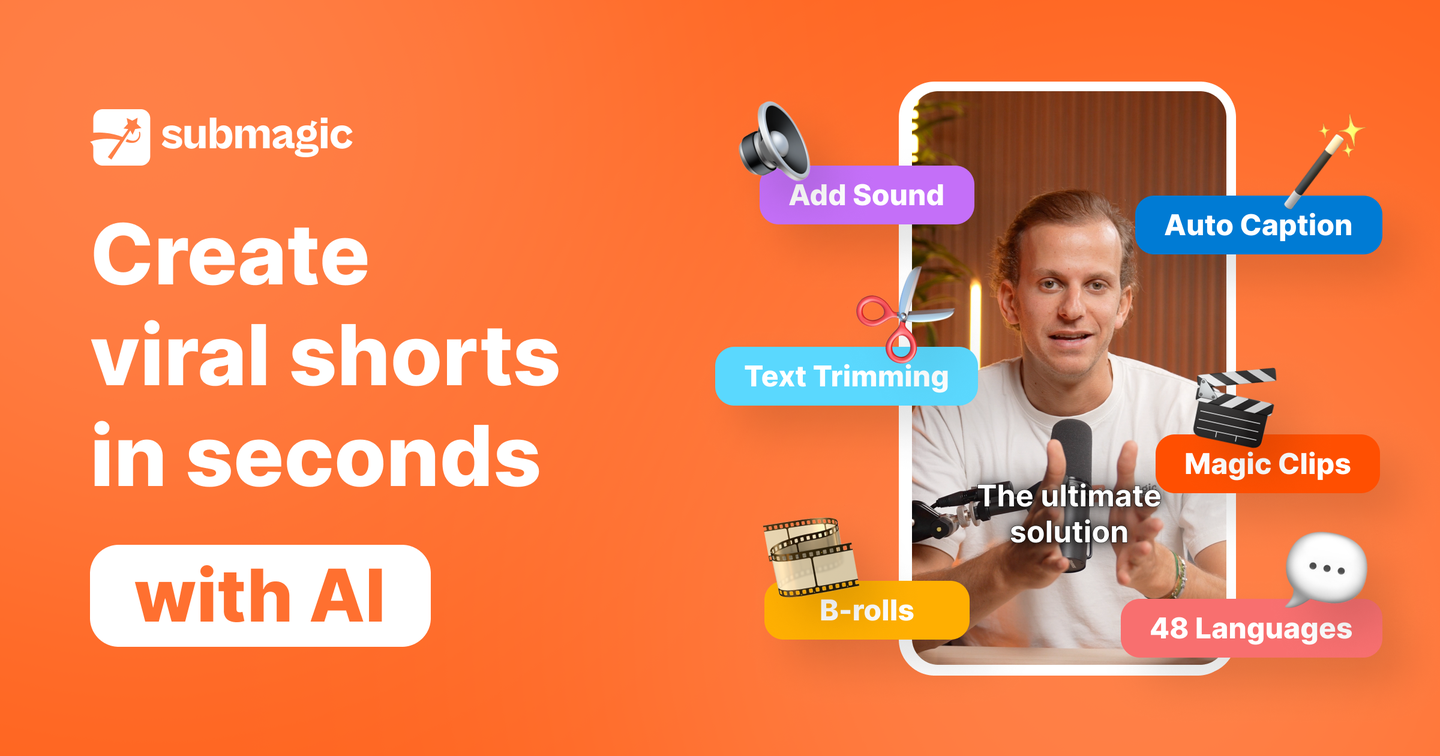
Features of Submagic
Moreover, Submagic packs powerful tools into one AI video maker for seamless digital storytelling.
- Dynamic Captions: Generates AI captions with emojis and highlights in 48 languages, boosting accessibility and retention for social media videos.
- Magic B-Roll: Automatically adds relevant stock footage and visuals from Storyblocks to amplify stories without filming extras.
- AI Trimming: Text-based editor removes silences, filler words, and unwanted parts, speeding up short-form video creation.
- Auto-Zooms & Transitions: Applies dynamic zooms and smooth transitions to keep viewers hooked and enhance visual appeal.
- Audio Enhancement: Cleans background noise, adds sound effects, and royalty-free music for professional polish.
- Magic Clips: Converts long videos into viral shorts by extracting best moments automatically.
- AI Hooks & Descriptions: Creates scroll-stopping hooks and optimized descriptions to maximize reach and engagement.
Furthermore, Submagic offers collaboration tools in higher plans, letting teams share workspaces, templates, and projects for efficient workflows. Pricing tiers start free with credits, then Starter removes watermarks and unlocks 1080p exports, while Pro adds 4K, custom templates, and team seats. Integrations with platforms like Storyblocks provide premium assets. Mobile support ensures on-the-go editing. These extras make it a complete digital storytelling tool, ideal for scaling content production without complexity.
Ultimately, Submagic stands out as an AI video maker that turns ordinary clips into viral sensations through smart automation. Creators gain time savings, higher engagement, and professional results effortlessly. Whether for TikTok growth or business marketing, it delivers the edge needed in competitive social spaces.


