
Sharly AI: Fast Document Research Assistant
Sharly AI speeds document research and summarization for professionals; for example, a product manager can upload multiple PDF reports and get concise, source-backed summaries to prepare stakeholder updates quickly.
- United States 10.6%
- Ghana 6.1%
- India 5.1%
- Vietnam 4.4%
- Other 73.7%
About Sharly AI
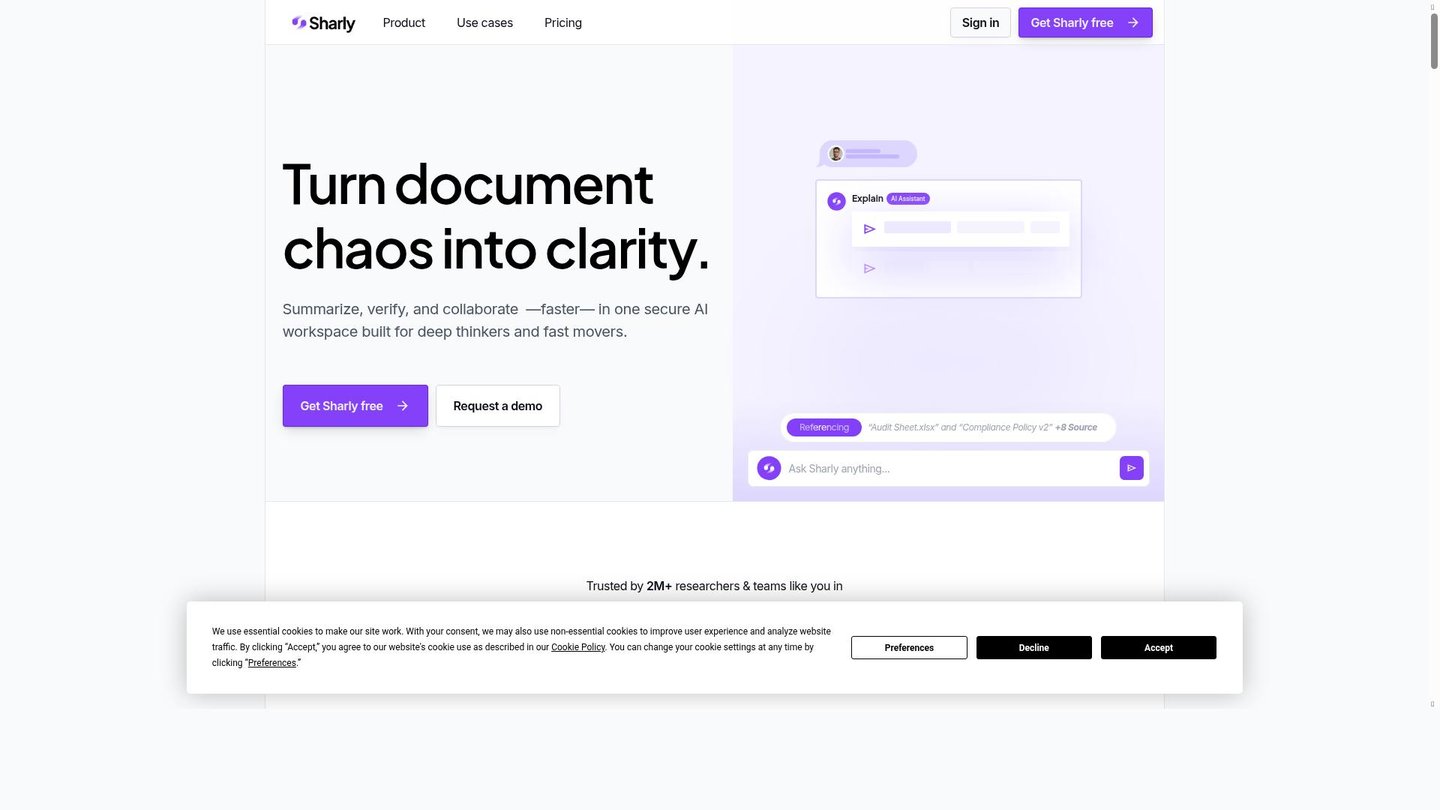
Firstly, Sharly AI is a web-based research assistant that turns long documents into clear, cited insights. It solves the problem of time-consuming manual reading by providing instant summaries, highlights, and a chat interface that answers questions about uploaded files. Researchers, product managers, compliance teams, educators, and counselors use Sharly AI to extract facts, compare sources, and validate claims without hunting through dozens of pages.
Secondly, Sharly AI works by combining large language models with document parsing and semantic extraction to read over 50 file formats. It integrates with cloud storage and offers workspace syncing so teams can collaborate on the same source set. Real-world use cases include educators summarizing academic papers for lesson prep and YouTubers scripting video segments from multiple transcripts. In particular, analysts use multi-document comparison to reconcile conflicting reports, while PMs generate executive summaries and action items quickly.
Features of Sharly AI
Next, here are the key features that make Sharly AI a practical AI document tool.
- Smart Summaries: Generate concise, source-linked summaries for faster research, supporting AI content creation and clear digital storytelling.
- Chat with Documents: Ask natural-language questions and get precise answers, enabling an AI video maker or researcher to pull facts quickly.
- Multi-Document Comparison: Compare and contrast multiple files to spot discrepancies and trends for analysts and legal teams.
- Model Selector: Choose underlying models like GPT-4o for tailored accuracy and performance in automated animation scripts or narrative planning.
- Semantic Extraction: Pull entities, figures, and topics automatically to populate briefs, datasets, or video outlines.
- Workspace Collaboration: Share notes and annotations for team workflows, supporting project managers and content teams.
- Multi-Format Support: Upload PDFs, Word docs, slides, and web pages for flexible input in AI content creation workflows.
Additionally, Sharly AI includes enterprise and user-friendly capabilities to fit different workflows. For example, the platform offers API access for embedding document chat into custom apps, free credits for new users to test features, and tiered pricing plans that range from individual to enterprise. Furthermore, integrations with Drive, Dropbox, and Notion simplify workspace syncing, and collaboration tools let teams comment and assign tasks. Finally, security measures like AES256 encryption and role-based permissions support sensitive research and compliance use cases.
Consequently, Sharly AI streamlines research by converting dense documents into clear, verifiable insights, acting as a practical digital storytelling tool and AI video maker aid for creators, researchers, and teams seeking faster, source-backed output.


