
Editpad — Fast AI Writing & Editing Tool
Intro: Editpad is a web-based AI writing and editing suite used for tasks like rewriting blog drafts, detecting AI text, and extracting text from images; for example, a marketer can quickly repurpose product descriptions, while an educator can check student essays for originality and clarity.
- India 6.6%
- United States 5.2%
- Mexico 4.9%
- Nicaragua 4%
- Other 79.3%
About Editpad
Firstly, Editpad is an online text toolkit that combines an editor, AI rewriting, plagiarism checking, and an AI content detector into a single site. It solves the common problem of polishing, verifying, and repurposing written content without switching between multiple apps. Content creators, students, SEOs, and small marketing teams use Editpad to speed up drafting, improve readability, and check for copied or AI-generated passages. The interface supports copy-paste editing and file uploads, making quick work of short-form and long-form text.
Secondly, Editpad works by applying natural language processing and machine learning models to analyze and transform text. In particular, its rewriter and paraphraser can produce alternate phrasing and tone adjustments, while the AI detector highlights sentences likely written by AI. Real-world use cases include YouTubers who turn video transcripts into blog posts and academic writers who run plagiarism checks before submission. The tool also supports tasks like extracting text from images, generating summaries, and refining grammar, using simple web controls so nontechnical users can access advanced language tech.
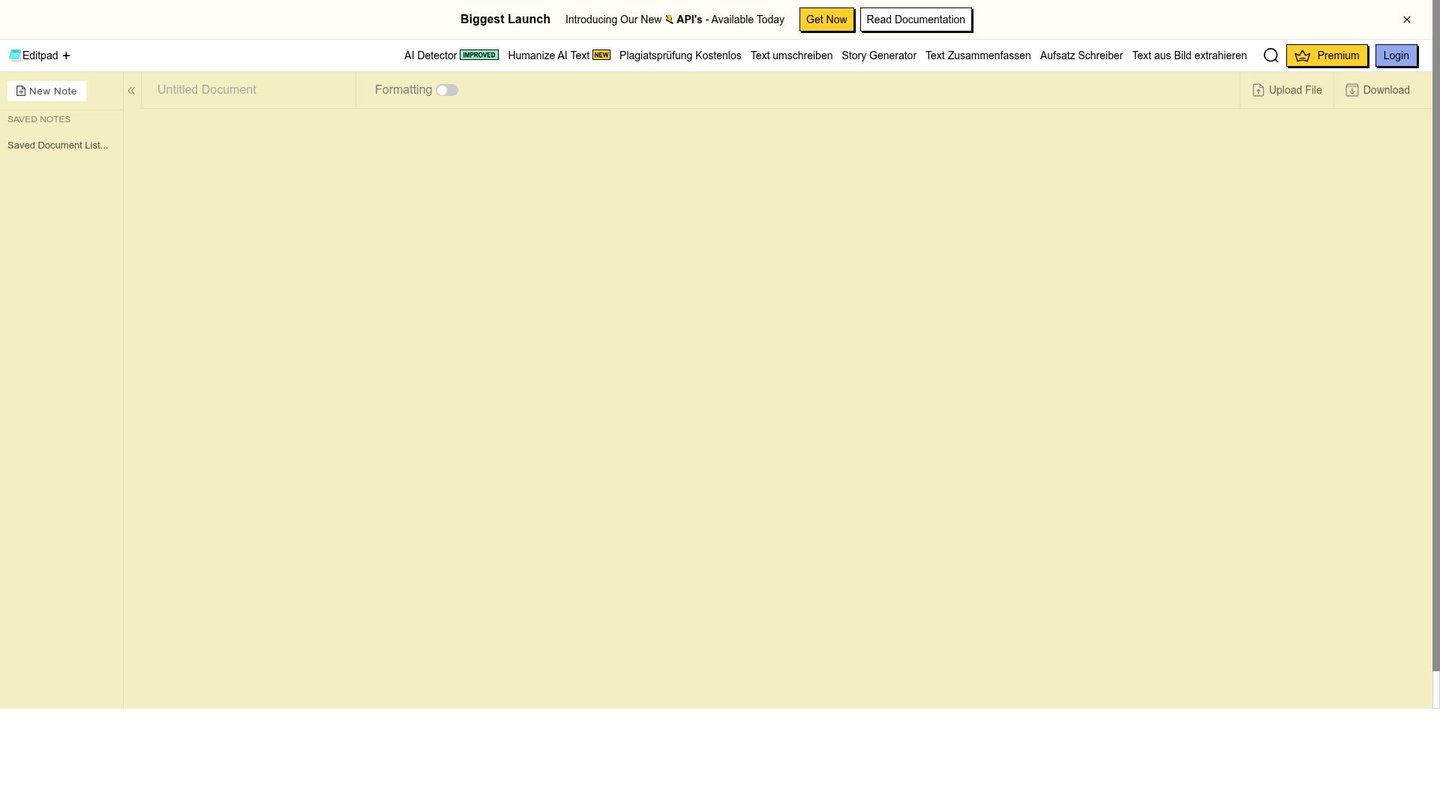
Features of Editpad
Meanwhile, here are the core features that help teams and individuals work faster and with more confidence.
- AI Article Rewriter: Rewrites and refines text to improve clarity and uniqueness, enabling efficient AI content creation and SEO-friendly edits.
- AI Content Detector: Flags AI-generated passages and highlights suspicious sentences, useful for content verification and academic review.
- Plagiarism Checker: Scans text for duplicated content across sources to ensure originality for blogs and student papers.
- Text Extraction (OCR): Pulls text from images and PDFs so creators can convert screenshots or slides into editable content fast.
- Grammar & Style Tools: Fixes grammar, punctuation, and flow to raise readability and polish drafts for publication.
- Humanize AI: Rewrites AI-produced text to sound more natural and varied, aiding digital storytelling and social posts.
- File Upload & Export: Accepts common file formats for quick editing and lets users copy or download cleaned text for publishing.
Additionally, Editpad includes practical capabilities that support collaboration and scale. For example, the platform offers API access for integration with content workflows and has tiered pricing that fits casual users and teams. Also, free credits or free tools permit light usage without payment, while integrations with cloud storage and simple mobile browser support let creators edit on the go. As a result, teams can share drafts, iterate quickly, and plug Editpad into batch workflows for SEO, content marketing, or classroom assignments.
Consequently, Editpad delivers a compact digital storytelling tool that speeds writing, improves originality checks, and streamlines editing for marketers, educators, and creators; its AI video maker and automated animation are not core here, but the platform’s strength lies in fast AI content creation and reliable text utilities.
“`html
“`


