
Flowstep AI: Instant UI Designs from Prompts
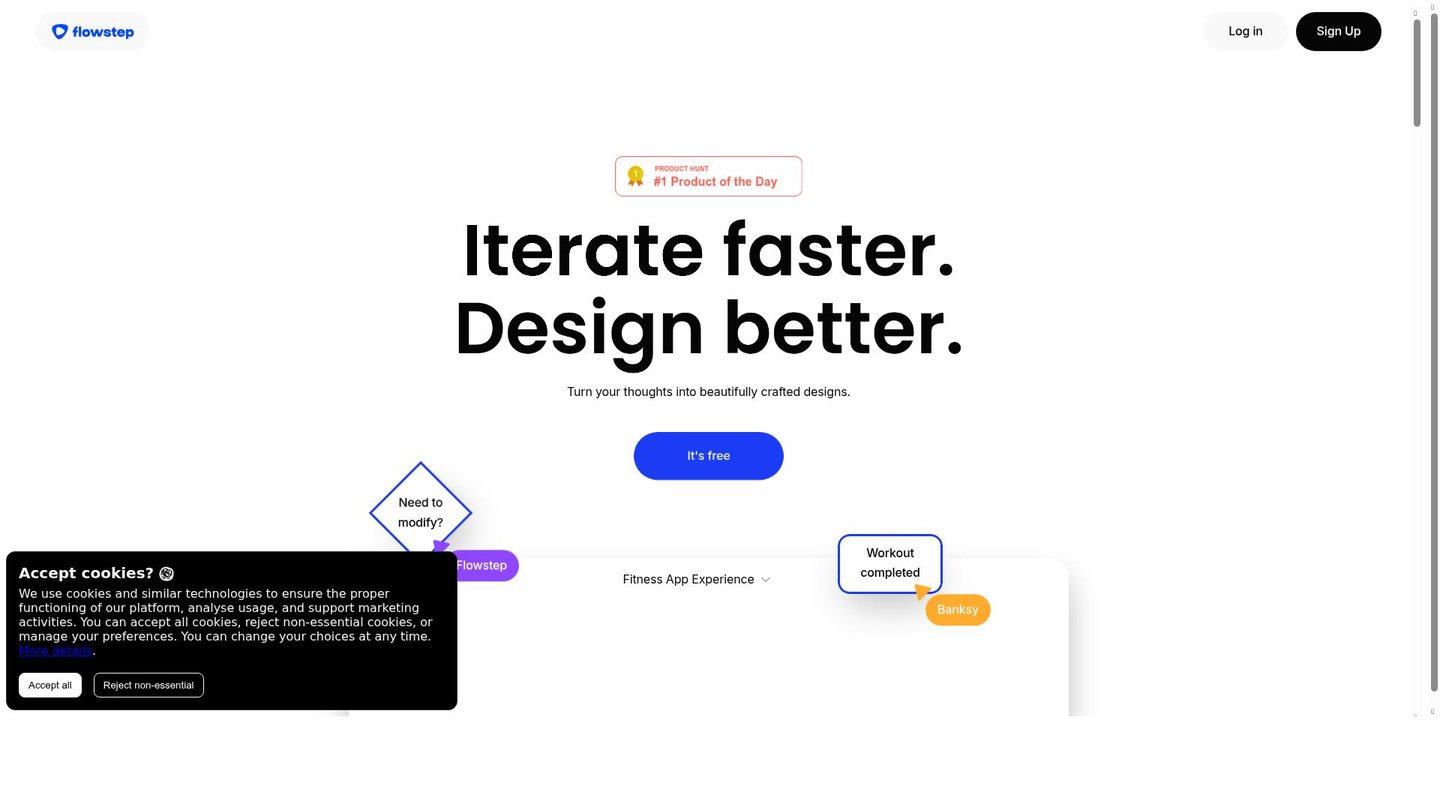
Flowstep AI turns simple text prompts into editable UI designs and wireframes in seconds. For example, a product manager types “e-commerce checkout flow” and gets a full set of linked screens ready to edit. As a result, teams skip hours of manual sketching. In particular, UI designers use it to prototype apps fast, while founders test ideas without hiring experts. This AI design assistant boosts speed and creativity from the start.
About Flowstep AI
Flowstep AI is an AI-powered design tool that converts natural language prompts into UI designs, wireframes, and user flows. It solves key pain points like chaotic resource management, low collaboration efficiency, and design decision gaps. Product managers, UI/UX designers, and creative teams rely on it daily.
For instance, marketers at a startup prompt “landing page for fitness app” and receive optimized layouts with color schemes that match their brand. Meanwhile, YouTubers create custom thumbnails and overlays by describing video interfaces, saving editing time. The tool uses advanced AI models to learn user styles and suggest improvements in real time.
Additionally, educators build interactive course prototypes from prompts like “student dashboard with quizzes.” Flowstep AI generates connected screens, detects flaws in user flows, and enables team edits. Its prompt-driven engine, backed by experts from Hugging Face, makes design conversational and efficient.
Features of Flowstep AI
Moreover, Flowstep AI packs smart tools that speed up every design step.
- Prompt-Driven UI Generation: Enter text like “mobile banking app” to instantly create editable wireframes and layouts as an AI video maker alternative.
- AI Design Suggestions: Get context-aware tips for colors, layouts, and styles that adapt to your preferences in the digital storytelling tool.
- User Flow Creation: Build complete flows from one prompt, like checkout processes, with linked screens for seamless prototyping.
- Real-Time Collaboration: Invite unlimited teammates to edit and comment live, cutting feedback loops for product teams.
- Iterative Edits: Add next screens, error states, or tweak content manually with simple commands and Alt-key previews.
- Smart Asset Search: Find icons or elements via natural language, like “blue tech icon,” for quick resource pulls.
- Design Standard Management: Auto-update components across projects with version control and bulk edits.
Furthermore, Flowstep AI offers free access to start, with unlimited AI suggestions and collaboration in the basic plan. Professional tiers add advanced management and priority support, while enterprise options include custom AI training. It integrates real-time feedback summarization, turning team comments into action lists. Mobile support lets users iterate on the go. Pricing tiers fit solo designers to large teams, often delivering ROI for those spending 15+ hours weekly on designs. These extras make it a full AI content creation powerhouse.
Ultimately, Flowstep AI redefines workflows by turning ideas into pixel-perfect UIs fast. As an AI video maker and digital storytelling tool, it cuts iteration time by 30-50% for designers and PMs. Teams gain aligned prototypes without tool switches, empowering juniors and speeding launches.


