
Aftershoot: AI Photo Culling and Editing Powerhouse
Aftershoot helps photographers cut long editing days into minutes by using AI to cull and edit large image sets. For example, a wedding photographer can sort and polish thousands of RAW photos from a full-day event in one session, then export everything straight into Lightroom. As a result, creatives spend more time shooting and serving clients instead of staring at contact sheets.
About Aftershoot
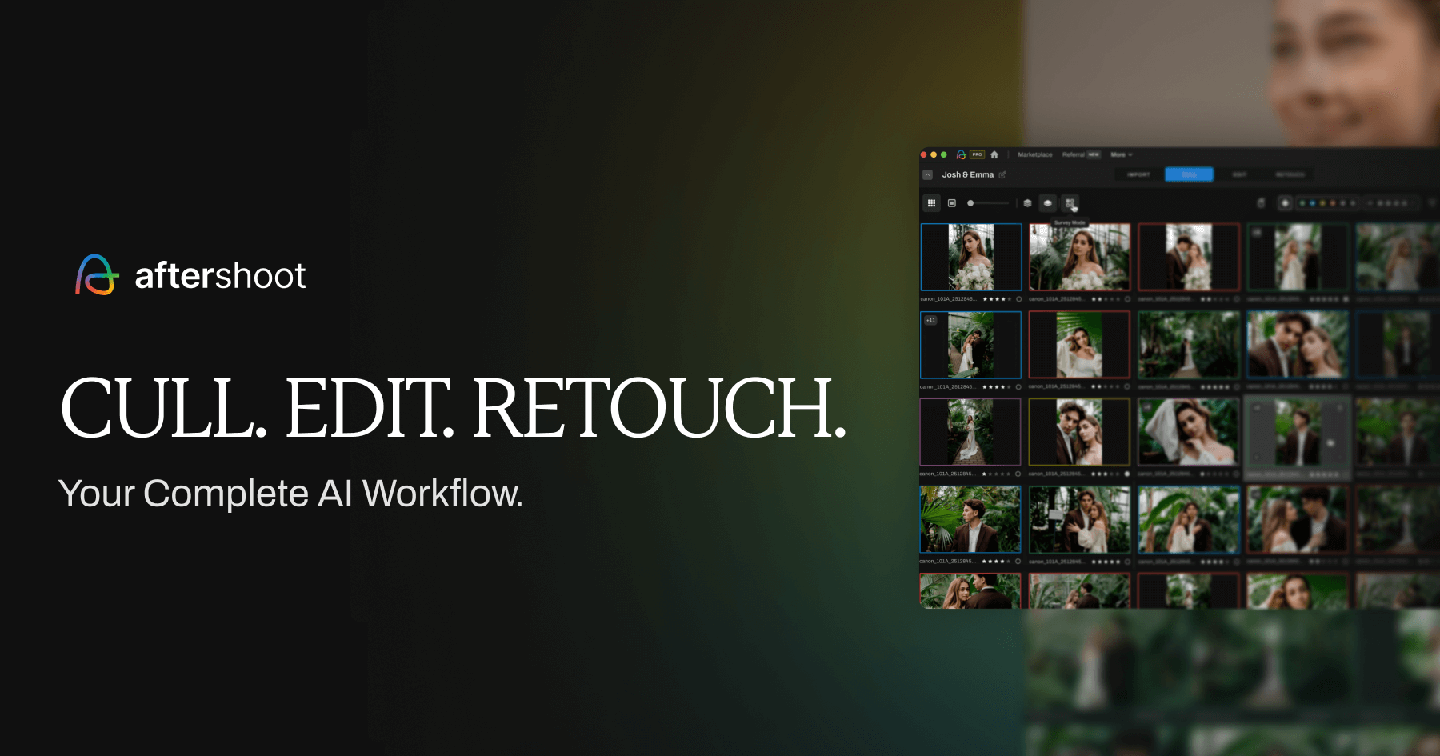
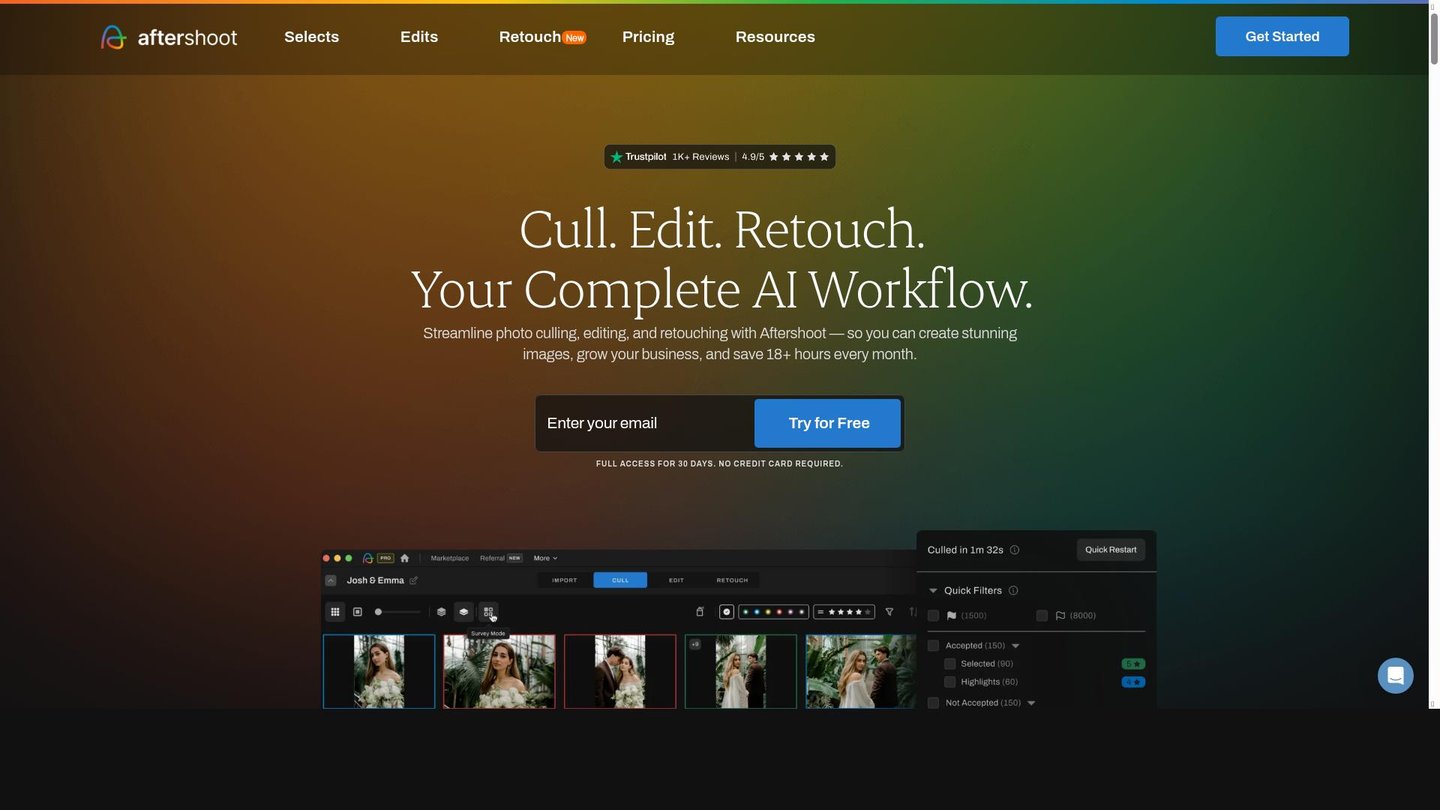
Firstly, Aftershoot is an AI-powered desktop tool for photographers that automates culling, editing, and retouching. It solves the slow, tedious work of sorting and batch editing big photo libraries, especially from weddings, events, and portrait sessions. Instead of clicking through thousands of frames, users let the app scan for sharpness, expressions, duplicates, and technical quality, then select the best images.
Secondly, the tool is used by professional wedding photographers, high-volume portrait studios, and commercial shooters who need fast, consistent output. For example, an event photographer can have Aftershoot flag blurry or closed-eye frames and keep only usable shots, while a branding photographer applies a custom editing style across an entire campaign in minutes. The software uses machine learning, face detection, and smart analysis of exposure and color to mimic your look.
Finally, Aftershoot works alongside popular software instead of replacing it. Photographers train it with past catalogs, then run AI culling and editing, and send results to Lightroom, Capture One, or Photoshop for final touches. In particular, features such as AI cropping, straightening, masking, and new AI retouching tools let users handle most post-production in one streamlined workflow.
Features of Aftershoot
Therefore, these key features show how Aftershoot speeds up a modern photography workflow.
- AI Culling Assistant: Automatically flags duplicates, blinks, and blurry shots so photographers quickly keep only the strongest images from big events or sessions.
- Style-Based AI Editing: Learns your unique look and applies it across galleries, delivering consistent AI content creation results for exposure, color, contrast, and tone.
- Smart Cropping and Straightening: Uses intelligent framing to level horizons and optimize composition, saving time for photographers who deliver images to many platforms.
- AI Retouching Tools: Handles skin smoothing, blemish removal, and small distractions, acting like a fast digital storytelling tool for portrait and wedding imagery.
- Face and Group Detection: Recognizes faces in group photos, helping prioritize key people and improve selections for family portraits and corporate events.
- Seamless Catalog Integration: Connects with Lightroom, Capture One, and other editors so users keep their existing workflow while gaining AI automation.
- High-Volume Batch Processing: Processes thousands of RAW files quickly, which is ideal for studios, schools, and sports photographers with tight deadlines.
Moreover, Aftershoot includes extra benefits that support day-to-day production. Different pricing tiers make it accessible for solo photographers and larger studios that need to equip a team. In many cases, users can start with free trials or credits to test AI culling and editing on real client work before committing. The desktop app also supports smooth collaboration by allowing shared editing profiles so team members can maintain a unified studio style. In addition, integrations with Lightroom and other editors reduce manual exporting and importing, while continuous updates add new AI retouching tools that further cut repetitive work.
Overall, Aftershoot gives photographers a practical way to reclaim hours each week through intelligent automation and consistent editing, functioning almost like an AI video maker does for filmmakers. By combining rapid AI culling, style-based editing, and growing retouching options, it turns time-consuming post-production into a fast, reliable step that supports creative storytelling and better client experiences.


