
HomeDesigns AI: Smart Interior Design Tool
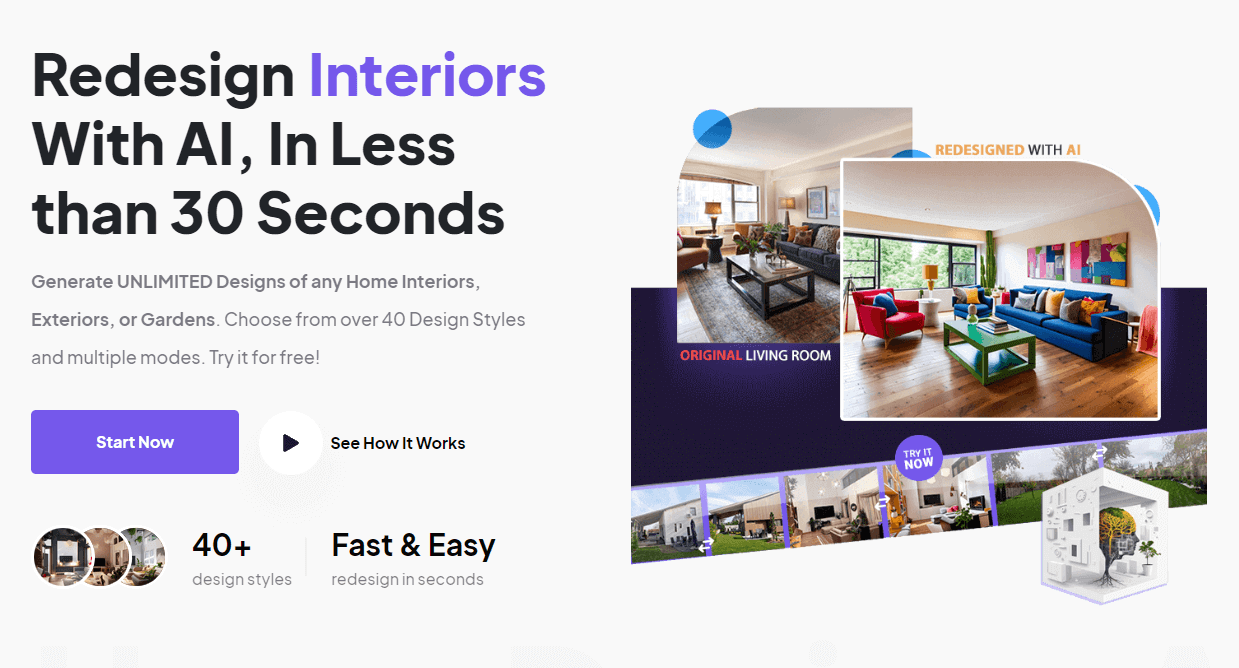
HomeDesigns AI helps you turn plain rooms into styled spaces in minutes. For example, a homeowner can upload a photo of a cluttered living room and instantly see multiple modern, minimalist, or rustic makeovers. In particular, busy real estate agents can stage empty apartments with furniture and decor without hiring a photographer. As a result, users save time, reduce guesswork, and test bold ideas before spending money on paint, furniture, or renovations.
- United States 47.9%
- Canada 4%
- Spain 3.3%
- Italy 3.2%
- Other 41.6%
About HomeDesigns AI
Firstly, HomeDesigns AI is an online interior and exterior design assistant that uses artificial intelligence to reimagine any room, facade, or garden from a simple image. It solves the common problem of not knowing how a space will look after renovations, new furniture, or different styles. As a result, homeowners, tenants, and property investors can explore dozens of options without design skills.
Moreover, professionals such as real estate agents, Airbnb hosts, and interior designers use HomeDesigns AI to create high-impact visuals for listings, proposals, and client pitches. For example, an Airbnb host can take photos of a bare studio and generate cozy, Scandinavian-style layouts that attract more bookings. Similarly, a real estate marketer can stage multiple versions of a living room to test which style drives higher click-through rates.
Additionally, the tool works by combining computer vision with generative AI to detect walls, furniture, lighting, and textures, then apply new designs on top of the original photo. Users simply upload an image, pick a room type and style, and let the engine generate new renders. Because the interface is visual and guided, even non-technical users can adjust layouts, swap materials, and experiment with looks like boho, industrial, or coastal without learning complex software.
Features of HomeDesigns AI
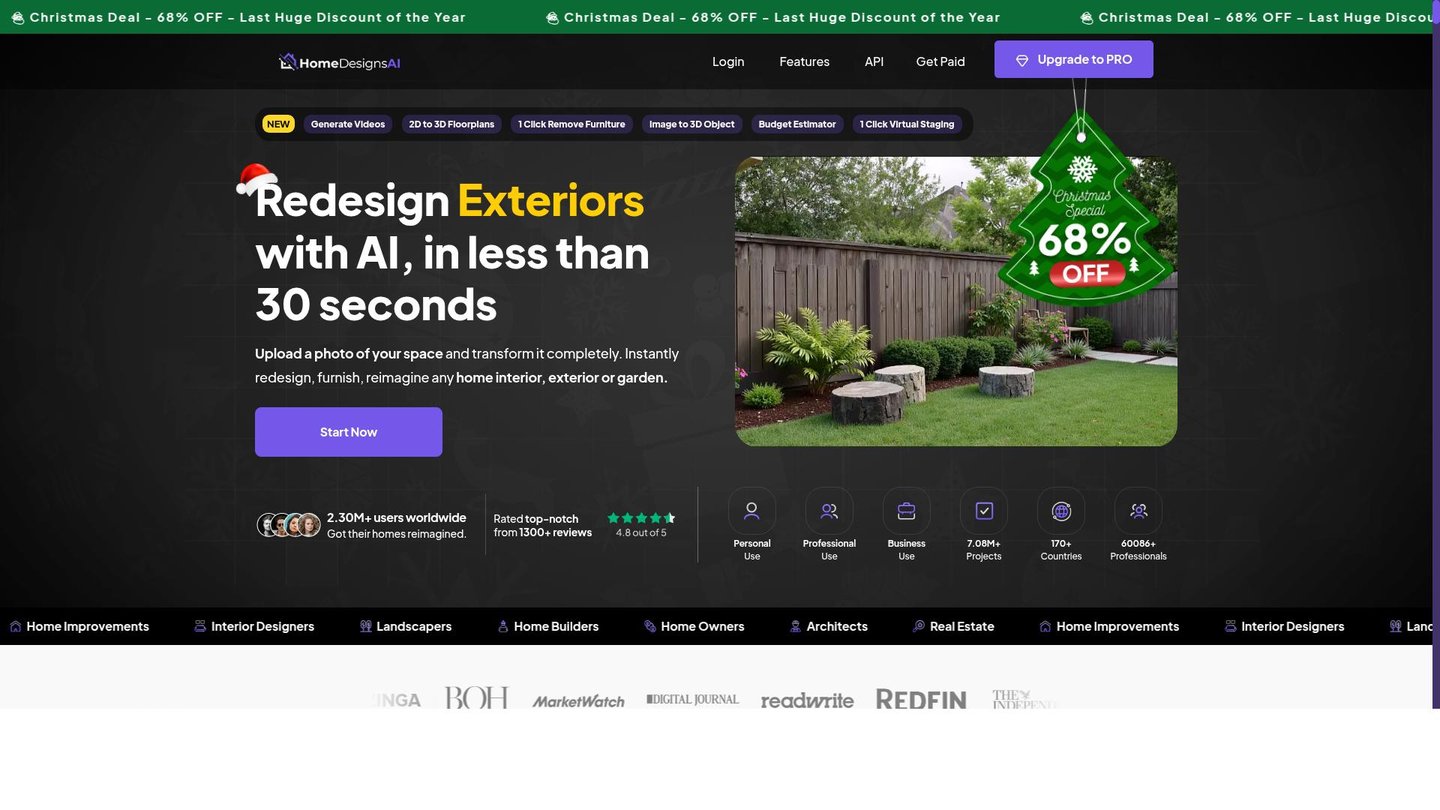
Consequently, the feature set of HomeDesigns AI focuses on fast, visual experimentation and clear decision making.
- Instant Room Redesigns: Generate new looks from a single photo, ideal for AI content creation, listing refreshes, and quick client previews without manual 3D modeling.
- Style and Theme Presets: Choose from many presets such as modern, Scandinavian, or farmhouse to keep branding consistent across projects and streamline repetitive design work.
- Interior and Exterior Support: Reimagine living rooms, kitchens, facades, and gardens in one place, useful for any digital storytelling tool focused on property presentation.
- Virtual Staging for Listings: Transform empty or outdated spaces into fully furnished rooms that make every AI video maker or photo slideshow more persuasive.
- Layout and Furniture Experiments: Test different furniture arrangements, decor combinations, and color palettes before buying anything, reducing costly design mistakes.
- High-Resolution Visual Exports: Download sharp images for websites, social media, and brochures so that each design looks professional on any screen.
- Guided Design Modes: Use focused modes for small tweaks, full makeovers, or space planning, making the platform feel like an automated animation of your future home.
- Simple, Browser-Based Workflow: Access projects from any modern browser, avoiding heavy downloads and keeping the learning curve low for new users.
Furthermore, HomeDesigns AI often includes helpful extras such as tiered pricing plans for occasional users, growing creators, and agencies that manage many properties. In many cases, teams can share designs, comment on variations, and collaborate remotely on projects, which is ideal for agencies and distributed design studios. In addition, integration-friendly exports make it easy to drop renders into slide decks, listing platforms, or video generation tools. Therefore, users can build complete visual narratives around a property, from static images to walkthroughs, using HomeDesigns AI as the visual starting point.
Finally, HomeDesigns AI stands out as a practical design partner for anyone who needs fast, convincing visuals of interiors and exteriors. By combining smart automation with a simple interface, this digital storytelling tool helps homeowners, creators, and real estate professionals present polished ideas without hiring a full design team. As a result, it shortens decision cycles, boosts visual quality, and makes exploring bold design directions feel safe, fun, and affordable.


