
Wideo: AI-Powered Video Creation Made Easy
Wideo helps users create professional videos quickly, even without design experience. For example, a small business owner can use Wideo to make an animated explainer video for their new product in just minutes. As a result, they save time and money while still producing engaging content for their audience.
- United States 8.2%
- India 6.5%
- Indonesia 6.4%
- Nigeria 4.5%
- Other 74.4%
About Wideo
Wideo is an online video generation platform that uses AI to simplify video creation. It helps marketers, educators, and small business owners produce animated videos, presentations, and social media content without needing advanced editing skills. The platform works by combining customizable templates, drag-and-drop editing, and AI-powered tools to automate much of the production process.
For example, a marketing team can use Wideo to create branded promotional videos for a campaign, while a teacher might use it to make animated lessons for students. Wideo’s technology includes AI voiceovers, text-to-speech, and automated scene transitions, making it easy to turn ideas into polished videos. The platform is web-based, so users can access it from any device with an internet connection.
Features of Wideo
Wideo offers a wide range of features designed to streamline AI content creation and video production.
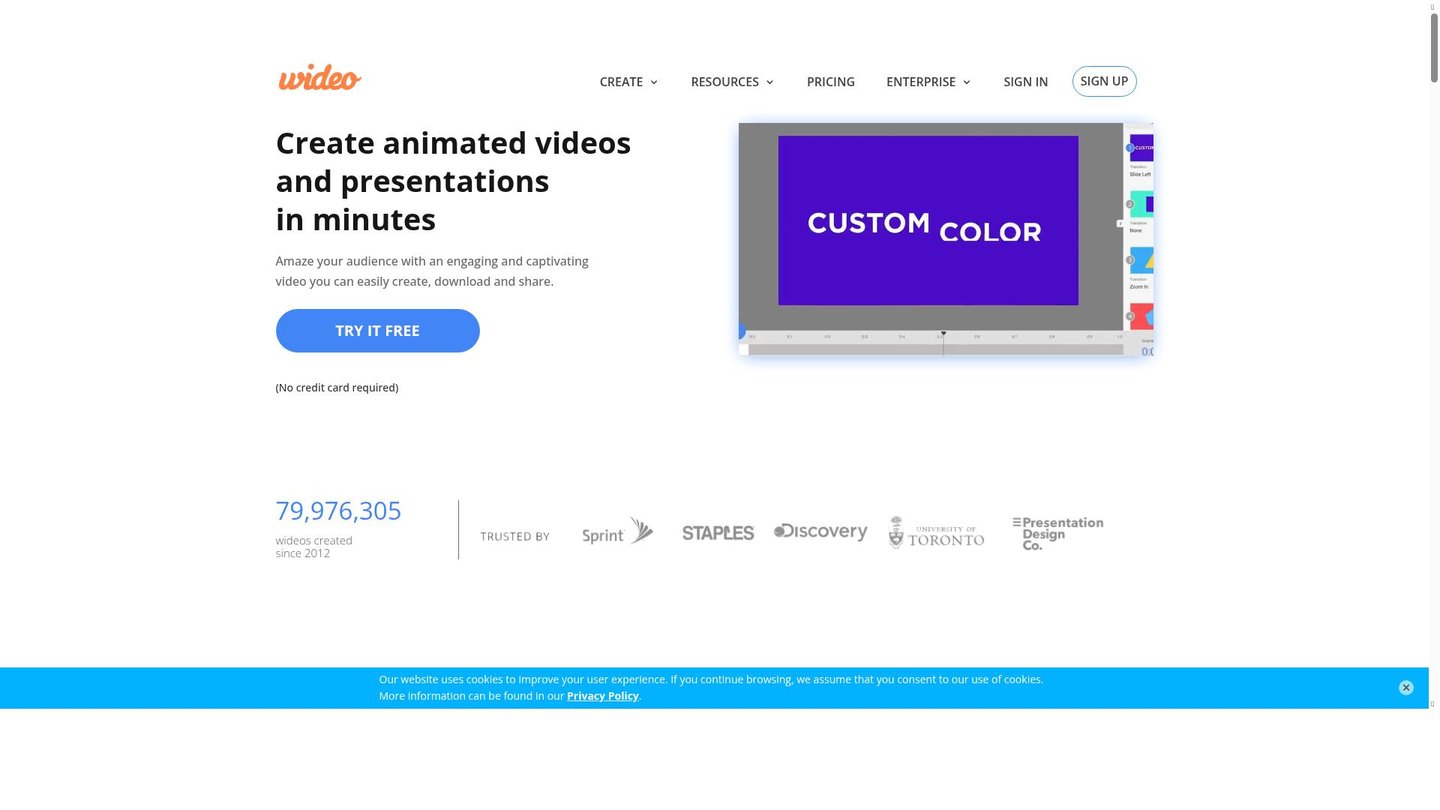
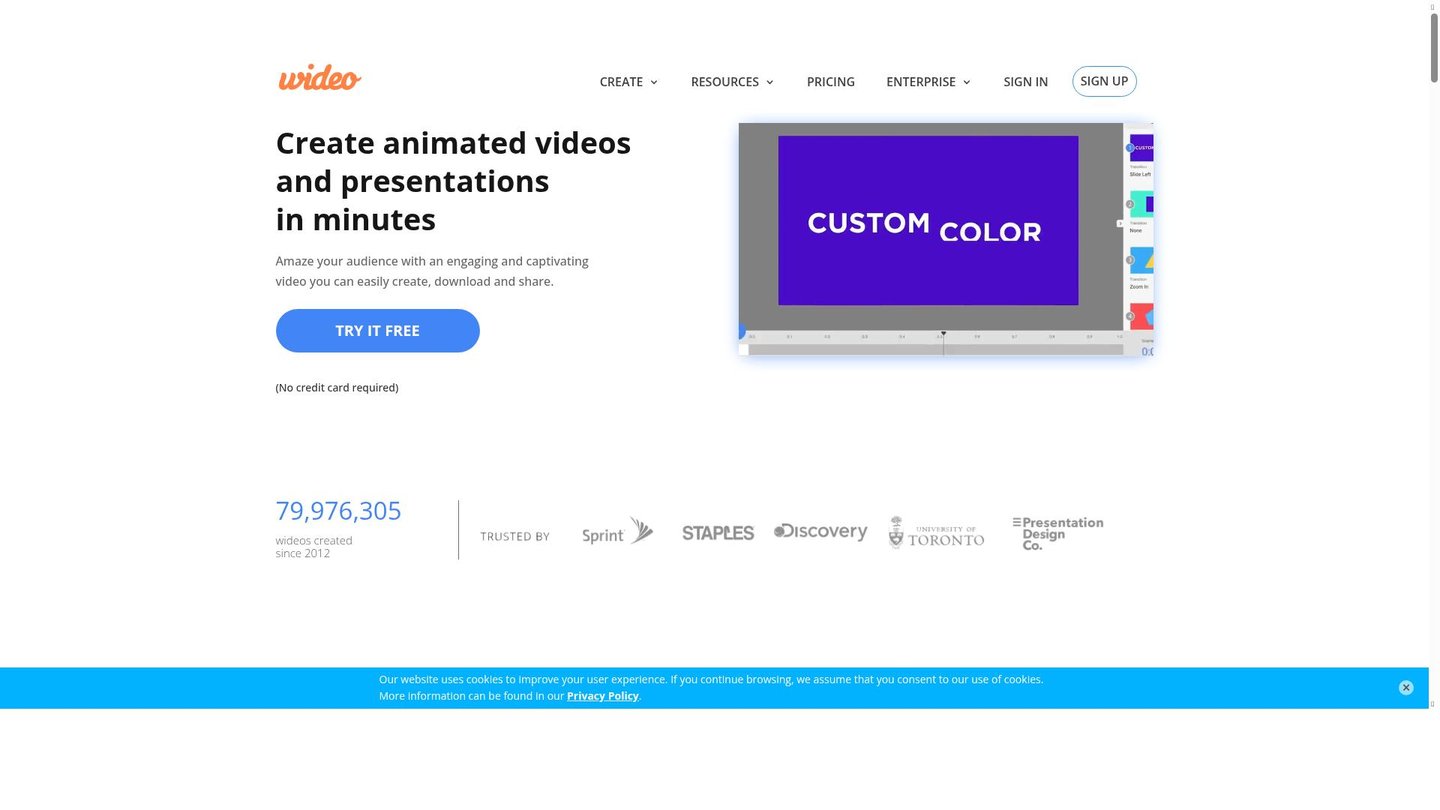
- Drag-and-Drop Editor: Easily build videos by dragging elements onto the timeline, making it simple for beginners to use the video generation platform.
- Customizable Templates: Choose from hundreds of templates for explainer videos, presentations, and social media, speeding up digital storytelling.
- AI Voiceovers: Generate natural-sounding voiceovers in multiple languages, perfect for tutorials and marketing videos.
- Text-to-Speech Tool: Convert written scripts into voiceovers using AI, ideal for e-learning and explainer content.
- Automated Animations: Add smooth transitions and animated effects with just a few clicks, enhancing video engagement.
- Scene Templates: Insert pre-designed scenes to quickly build professional-looking videos for any purpose.
- Instant Preview: See your video in real time without waiting for rendering, saving time during editing.
- Export Options: Download videos in Full HD MP4 or GIF format for easy sharing on any platform.
Wideo also supports API access and integrations with tools like Zapier, allowing teams to automate video creation at scale. Users can start with free credits to test the platform, and paid plans offer more advanced features and higher export limits. Collaboration tools let multiple users work on projects together, making it a flexible solution for businesses and educators.
Wideo stands out as a powerful AI video maker that makes digital storytelling accessible to everyone. Its combination of automation, templates, and easy editing tools helps users create professional videos quickly and efficiently.


