
Pixlr: Best AI Photo Editing Tool for Creatives
Looking for an easy way to enhance your images without expensive software? Pixlr offers a powerful AI-driven solution right in your browser. For example, a small business owner can quickly design eye-catching social media graphics using Pixlr’s templates and editing tools. As a result, you save time and money while achieving professional results. This tool transforms photo editing into a seamless process for everyone, from beginners to experts.
- United States 26.7%
- United Kingdom 5.1%
- India 4.9%
- Russia 4.4%
- Other 58.9%
About Pixlr
First, let’s dive into what Pixlr is. It’s a free online photo editing and design platform powered by AI technology. Available on browser, mobile, and desktop, Pixlr solves the problem of complex editing by offering intuitive tools. It eliminates the need for pricey software like Photoshop, making creativity accessible to all.
Moreover, Pixlr caters to a wide audience. Marketers use it to craft stunning ad visuals with AI-enhanced filters, while educators rely on it to create engaging classroom materials. For instance, a marketer might edit product photos with background removal, and a teacher could design vibrant posters. Consequently, Pixlr fits diverse needs with ease.
Finally, Pixlr works by leveraging AI for tasks like image generation and text-to-image conversion. Users upload photos or start from scratch, then apply edits with simple clicks. With generative AI features, it automates complex edits, saving hours. Thus, anyone can produce polished designs without technical skills.
Features of Pixlr
Now, let’s explore the standout features that make Pixlr a top choice.
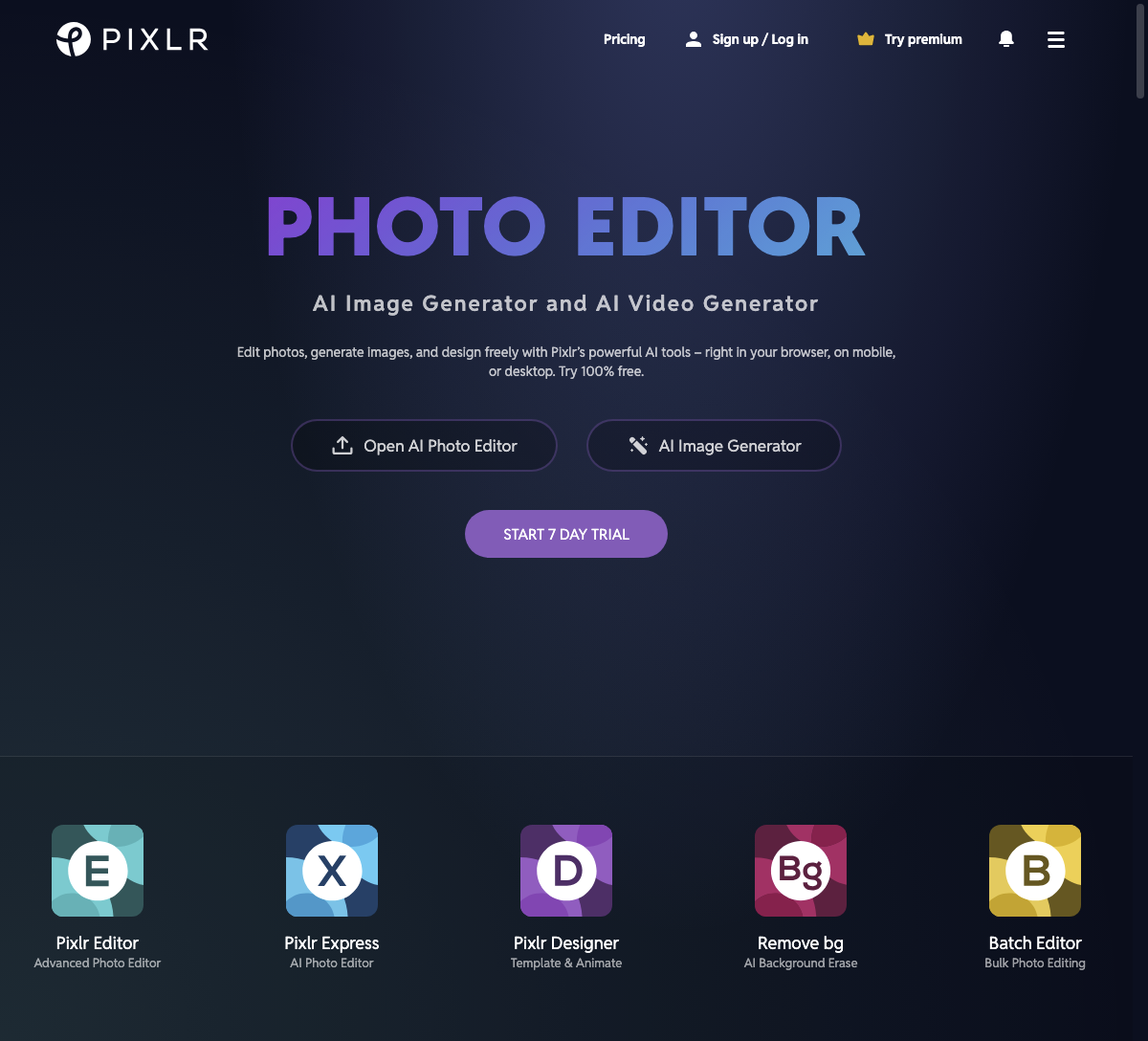
- AI Image Generator: Create unique visuals from text prompts with this AI content creation tool, perfect for instant artwork.
- Background Removal: Instantly erase backgrounds from photos, ideal for e-commerce or digital storytelling projects with clean results.
- Generative Fill: Fill in missing image parts using AI, enhancing creativity for seamless photo edits.
- Photo Filters: Apply professional-grade filters to elevate images, great for social media or personal projects.
- Collage Maker: Design stunning collages effortlessly, combining multiple photos for storytelling or marketing needs.
Beyond these, Pixlr offers additional perks to boost your workflow. For instance, it supports mobile and desktop use, ensuring flexibility wherever you are. The platform also provides a free version with robust tools, while premium tiers unlock advanced features at affordable rates. Additionally, Pixlr integrates with various devices, making collaboration easy for teams. Whether you’re tweaking a single image or managing bulk edits, the intuitive interface and AI-driven options streamline the process. As a result, users save time and achieve high-quality outputs without steep learning curves.
Ultimately, Pixlr stands out as a game-changer in the realm of AI content creation. Its ability to simplify complex edits while offering powerful tools empowers users across industries. Whether you’re crafting visuals for a campaign or personal art, this platform delivers unmatched value. Dive into Pixlr today to transform your ideas into stunning realities with minimal effort.


