
Scenario for Marketing Artists: AI Asset Pipelines
Most 3D & Game Assets tools lock users into one generator and output type; Scenario routes image, video, 3D and audio through one credit pool and workflow canvas. Marketing Artists get reusable apps teammates run from a form, built for scaling asset variations — solo hobbyists needing one image will find it over-engineered.
- Argentina 100%
What Scenario Does
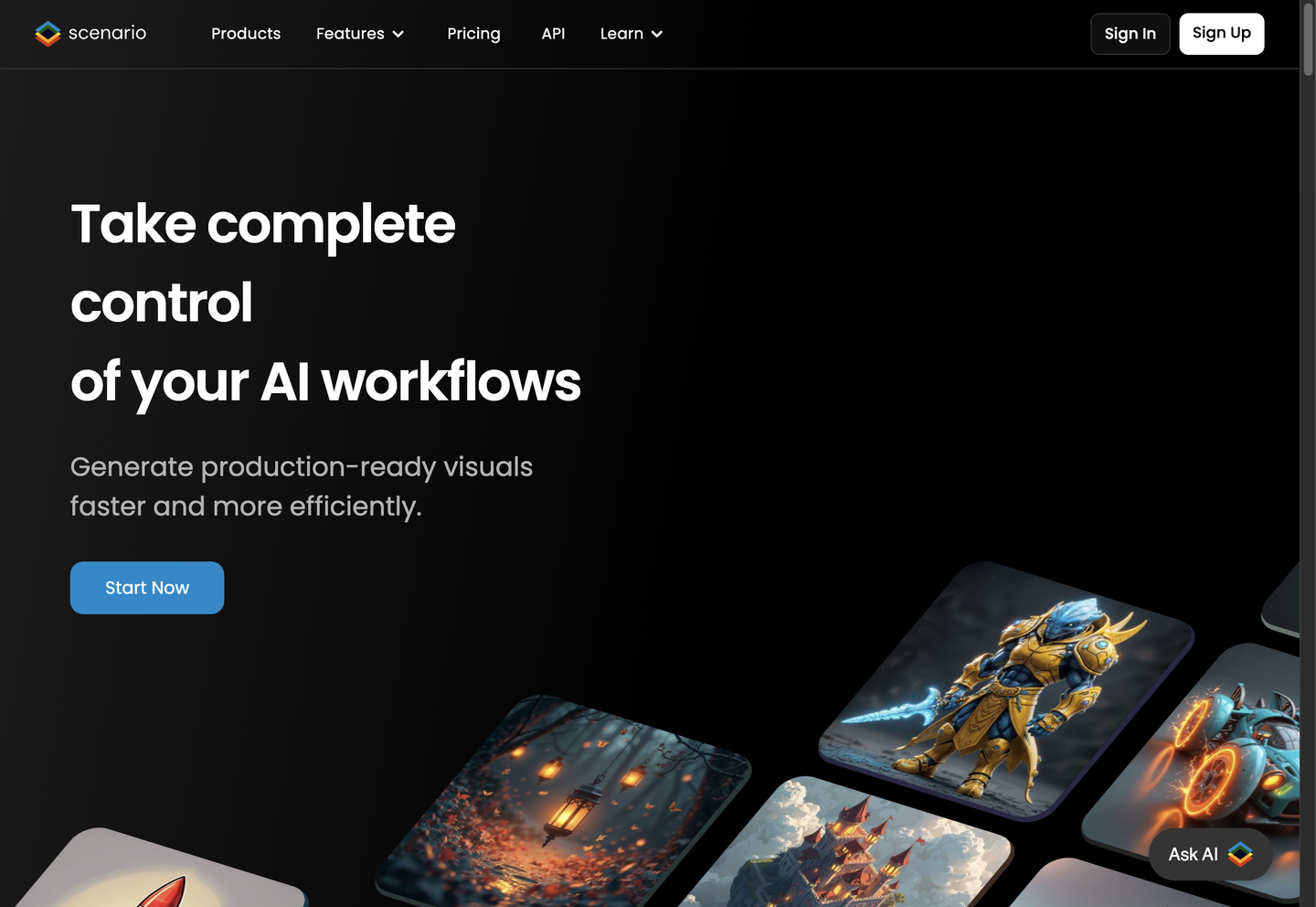
Marketing Artists and Motion Designers use Scenario to generate and manage game and brand assets across image, video, 3D and audio from one workspace. Scenario trains custom models on a studio’s own references, such as a brand look or recurring character, then chains those models with other tools into node-based workflows published as reusable apps. Teams compare 750+ models from 50+ providers on the same brief inside the browser, or call the same models from an API, an agent, or Claude Code and Cursor through Scenario MCP, so pipelines stay identical across every entry point.
Main Features
Custom Models
Scenario trains a model on a studio’s own references, such as a brand look, a product line or a recurring character. The model then generates new assets that hold that look consistently across hundreds of variations. For a Brand Builder, this means campaign art stays on-brand without re-briefing an artist for every new asset.
Build the pipeline once, as nodes
Scenario lets teams chain models and tools on one canvas and publish the chain as an app, with cost shown before the run. Anyone on the team then runs that workflow from a simple form instead of rebuilding it manually. This turns a one-time pipeline into a repeatable asset factory for recurring asset types.
Describe the result, and an agent builds the workflow
The Node Agent turns a written brief into a working node graph and runs it, while Genie, the assistant on every page, picks models and fills the form. Both follow team instructions, and under Enterprise, respect spend caps and approved models. This reduces the setup work needed before a first asset generates.
IP Detection
Optional IP Detection screens prompts, input images and video endpoint frames against an organization’s own policy before any model runs; a blocked request never reaches a model and incurs no generation charge. It covers image, video and input screening but excludes audio, 3D and finished images, so it functions as a policy filter, not a legal clearance.
Use Cases
-
Advanced UGC Production
A Marketing Artist trains custom AI models on brand references inside Scenario, then generates style-consistent assets at scale across a campaign. The trained model keeps variations on-look without manual review of each output, so large batches stay publishable.
-
Faster Delivery
A Motion Designer uses Scenario’s chained workflows to move asset production through image, video and 3D stages without switching tools. Scenario states this helped teams move production 100 times faster; it publishes no independent audit of that figure.
-
More on-brand content
A Brand Builder and Designer runs image, video, 3D and sound experiments inside Scenario’s single workspace to test which direction matches brand guidelines. Comparing outputs on the same brief narrows revisions before a final asset is produced.
Best For / Not For
Scenario is built for production teams that need a repeatable, style-consistent asset pipeline rather than a single-image generator.
Scenario fits the Marketing Artist training brand-specific models for campaign work, the Motion Designer chaining image, video and 3D stages into one workflow, and the Brand Builder and Designer running cross-format experiments before committing to a direction.
Scenario publishes no public case studies naming integrations with third-party game engines beyond Blender’s plugin, so a studio that needs direct Unreal or Unity asset import without custom skill-building should weigh that gap before committing.
Pricing
Scenario sells three named seat plans billed annually, Starter, Pro and Max, each with a monthly credit allotment that scales with price, plus a custom Enterprise tier.
| Plan | Price | Included |
|---|---|---|
| Starter | $15 / user/month, billed annually · $4.99 first month | 1,500 monthly credits |
| Pro | $45 / user/month, billed annually | 5,000 monthly credits |
| Max | $75 / user/month, billed annually | 10,000 monthly credits |
The table does not show overage rates once monthly credits run out, or the full terms behind Enterprise’s custom, consumption-based pricing.
Pricing checked 2026-11-09.
Quick Comparison
Image3D is Scenario’s main alternative for generating standalone 3D meshes from images or text. Image3D focuses narrowly on single-asset 3D mesh output without a workflow canvas or custom model training. Scenario covers image, video, 3D and audio together and lets teams chain those outputs into a published, reusable node workflow. Choose Image3D if the need is a one-off 3D mesh from a reference image. Choose Scenario if the team needs recurring, brand-consistent assets across multiple formats.
Verdict
Scenario generates assets across image, video, 3D and audio from 750+ models, with seat-based plans and a free daily credit tier. It suits teams training custom brand models rather than single quick-image needs. Node-based publishing sets it apart from single-format generators.


